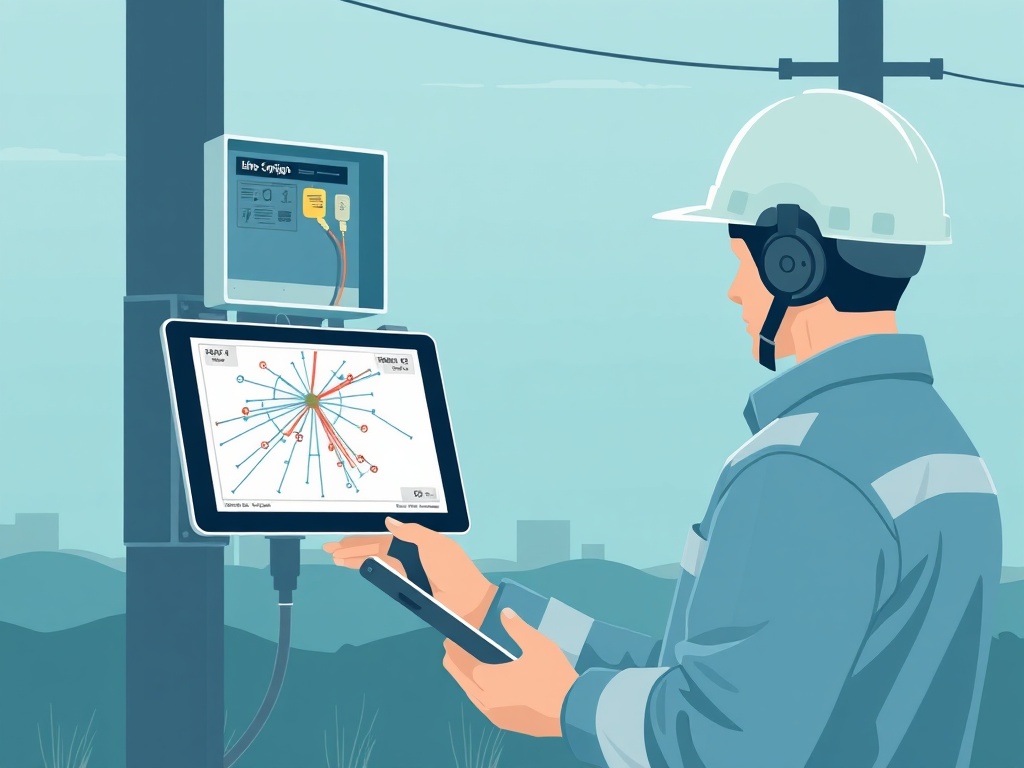
Infrastructure Documentation
StrandMap tracks splice points, cable routes, and network assets in real time — from the office and the field. Replace spreadsheets and outdated CAD files with a single source of truth for your fiber network.
Most fiber installation companies track splice points in Excel. Network routes live in AutoCAD files that haven't been updated in years. When a splice tech needs to know which strands are available downstream, the answer is "call the old guy who has been here since the beginning." That doesn't scale.
Office engineers and field crews work from different versions of the same spreadsheet. By the time documentation is updated, the network has already changed.
When inspectors show up, there is no defensible record of splice loss values, OTDR traces, or installation dates. Crews spend days recreating documentation they should have had all along.
The foreman knows where every splice is. When he leaves, that knowledge leaves with him. Every new hire starts from zero because nothing was ever written down properly.
What StrandMap does
Log every splice point with location, fiber strand colors, splice loss value, and photos. Document in the field, from any device — even without connectivity.
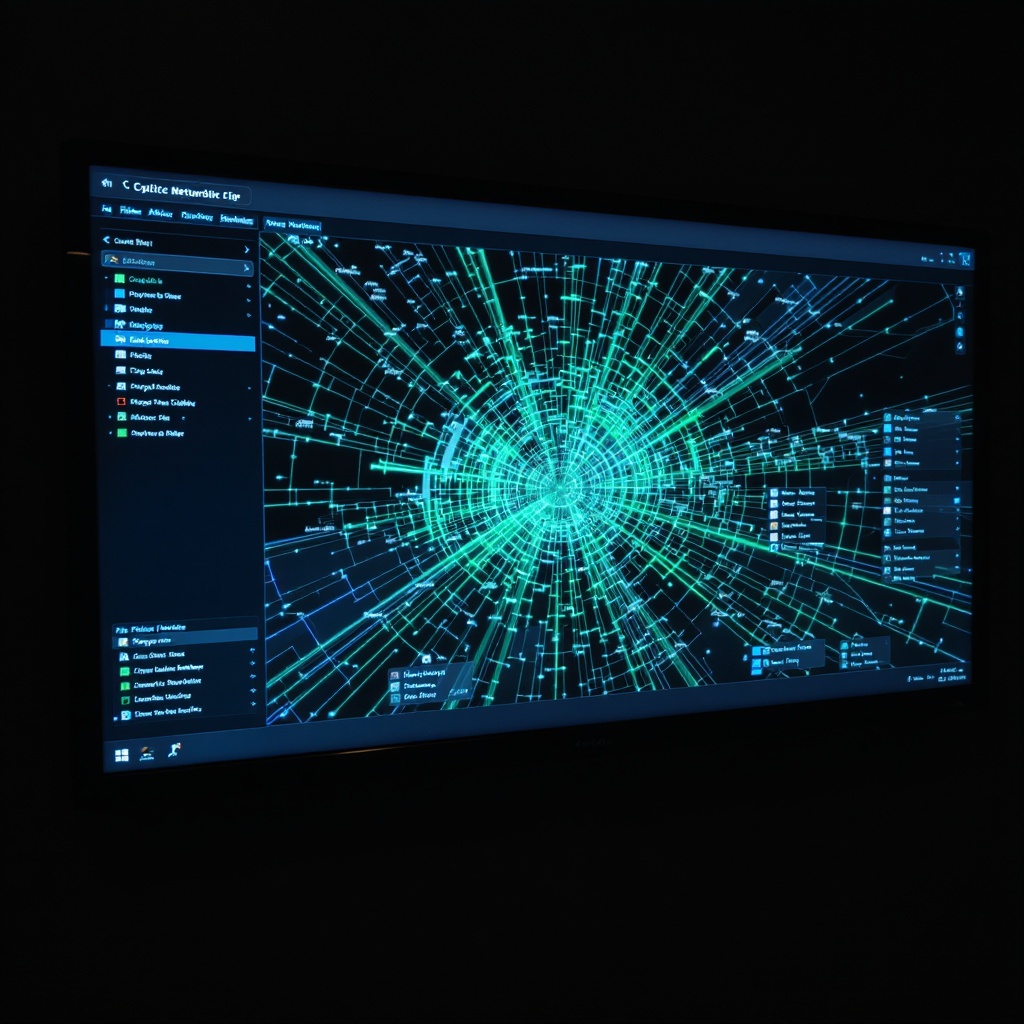
Visualize cable routes, splice enclosures, and handholes on a live map. Every fiber strand has a status: available, in-use, or flagged. Available instantly.
Upload OTDR traces directly from the field. Splice loss values, event locations, and trace files are automatically attached to the correct strand in the network record.
How it works
Splice tech opens the project, selects the enclosure or route segment, and logs splice points with loss values, fiber colors, and photos. Works offline — syncs when you're back in signal.
All field entries automatically appear on the network map. Office engineers see splice status, strand availability, and as-built conditions in real time — no more chasing updates.
Generate a complete as-built package with splice diagrams, OTDR traces, and network maps. Ready for handoff, audits, and customer documentation — in seconds, not days.
Why it matters
Saved per project on documentation rework. Field crews stop duplicating work because the record was wrong or missing.
Strand traceability. Every fiber strand from the head-end to the customer premise is documented, tested, and on record.
To full as-built package. What used to take weeks to compile after project close is now generated automatically at completion.
Knowledge lock-in. When someone leaves, the information stays in the system — not in their head or their notepad.
Right now, somewhere in the US, a splice tech is standing in a manhole filling out a paper form. That record will never sync to the map. It will never be attached to the strand. It will never show up in an audit. StrandMap ends that.